Marlow
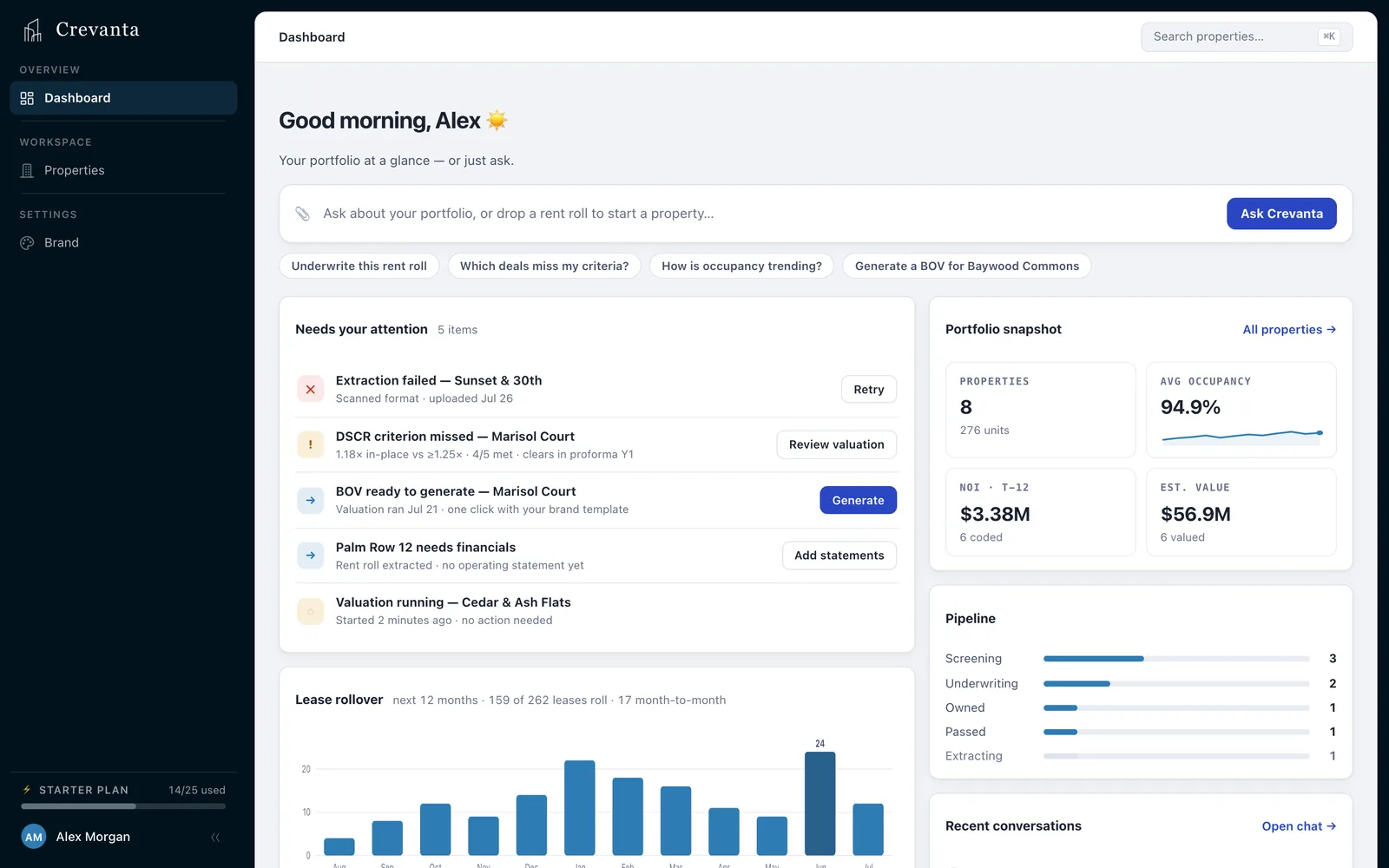
Marlow is the AI agent inside Crevanta. It reads your documents, runs the underwriting and answers with its sources — in the app, or right from your inbox.
- Every answer sourced
- Runs the same engine as the app
- Works from Outlook and email
Hand it a rent roll. Attach the file and say what you want. Marlow creates the property and tells you what it found.
Illustrative walkthrough — the property, people and figures are fictional.
What it does
Answers with sources
Every figure comes from a document, the app’s own calculation or a linked web page — never from memory.
It runs the work
Creates properties, abstracts leases, runs valuations and research, and builds the BOV.
Same engine, same numbers
Marlow uses the app’s own tools, so it can’t quote a number the screen doesn’t show.
Changes, reported
Ask for a change and it tells you exactly what moved, from and to — nothing changes silently.
In your inbox
In Outlook beside the open email, or from any inbox by forwarding the deal email.
Knows your buy box
It reads your criteria and reports pass or miss — and never moves a threshold to make a deal pass.
In detail
Answers from your own documents.
Ask across your portfolio, about one property, or about one lease. Marlow answers from the documents and the app’s own numbers.
- Portfolio questions: what needs attention, which leases expire, how properties compare
- On a property, answers come from its rent roll, statements, comps and valuation
- On a lease, every answer cites the field or paragraph it read
- Suggested next questions after each answer — one click to ask
- Conversations are saved, so you can pick one up tomorrow
In and out
You bring
- A question or an instruction, in plain English
- Documents — attached in the app or in an email
- Your inbox: Outlook, or any mail you can forward from
You get
- Answers with their sources
- Work done: properties, valuations, research, BOVs
- Every change reported, from → to
- The BOV on your email reply
Questions
See Marlow work on one of your own deals — in the app or in Outlook.
Built for commercial real estate teams that want analysts analyzing — not reconstructing the deal.