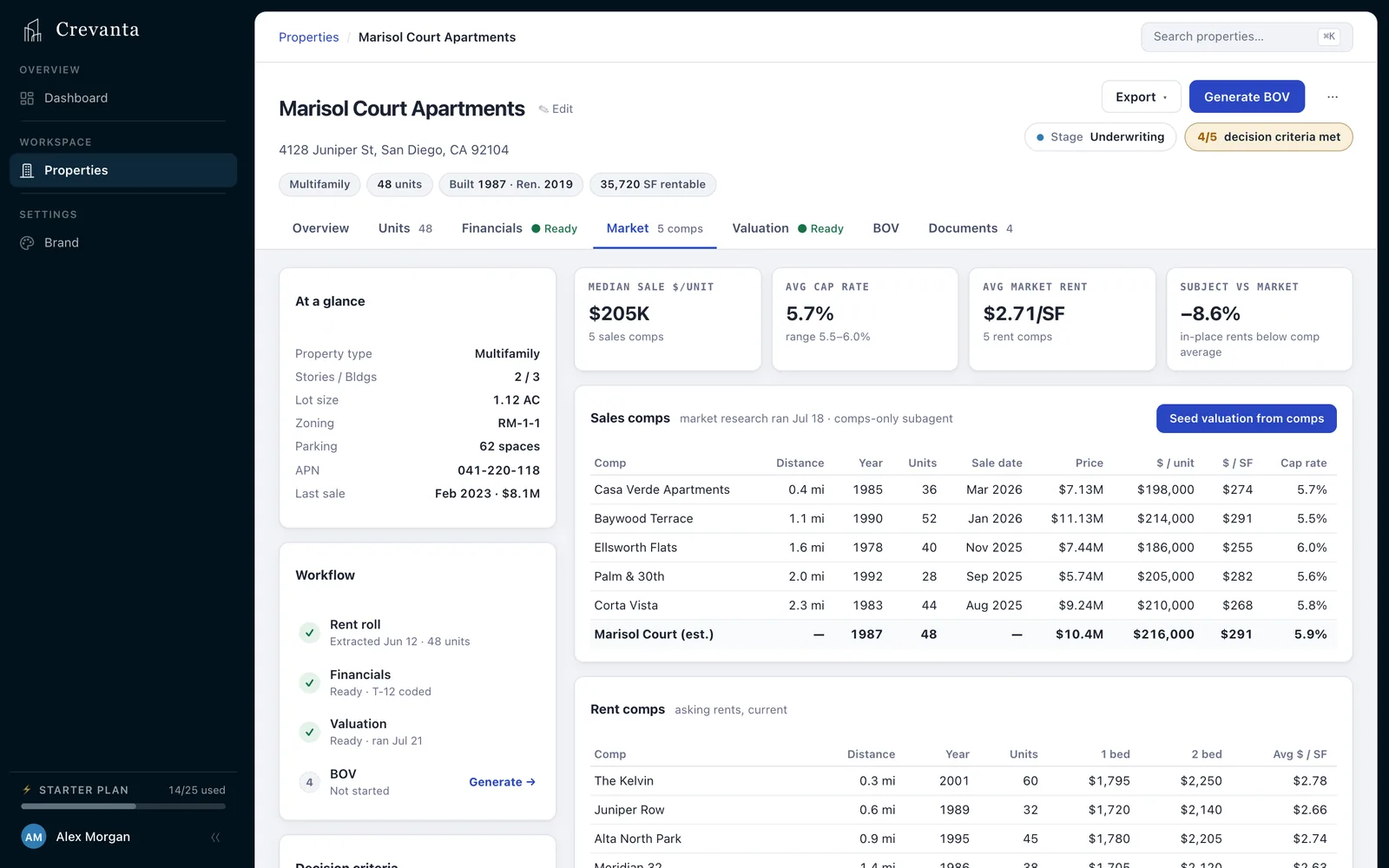
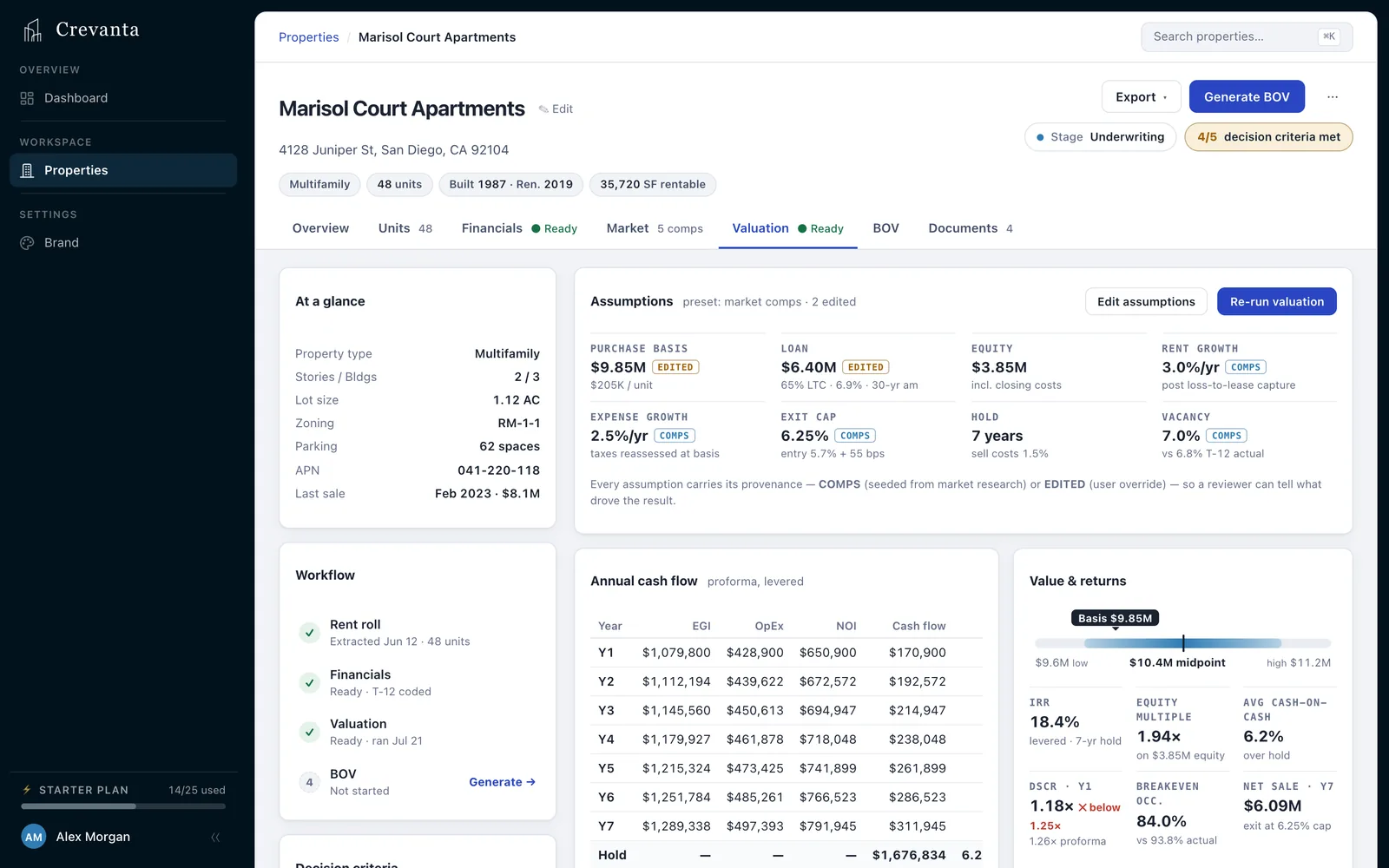
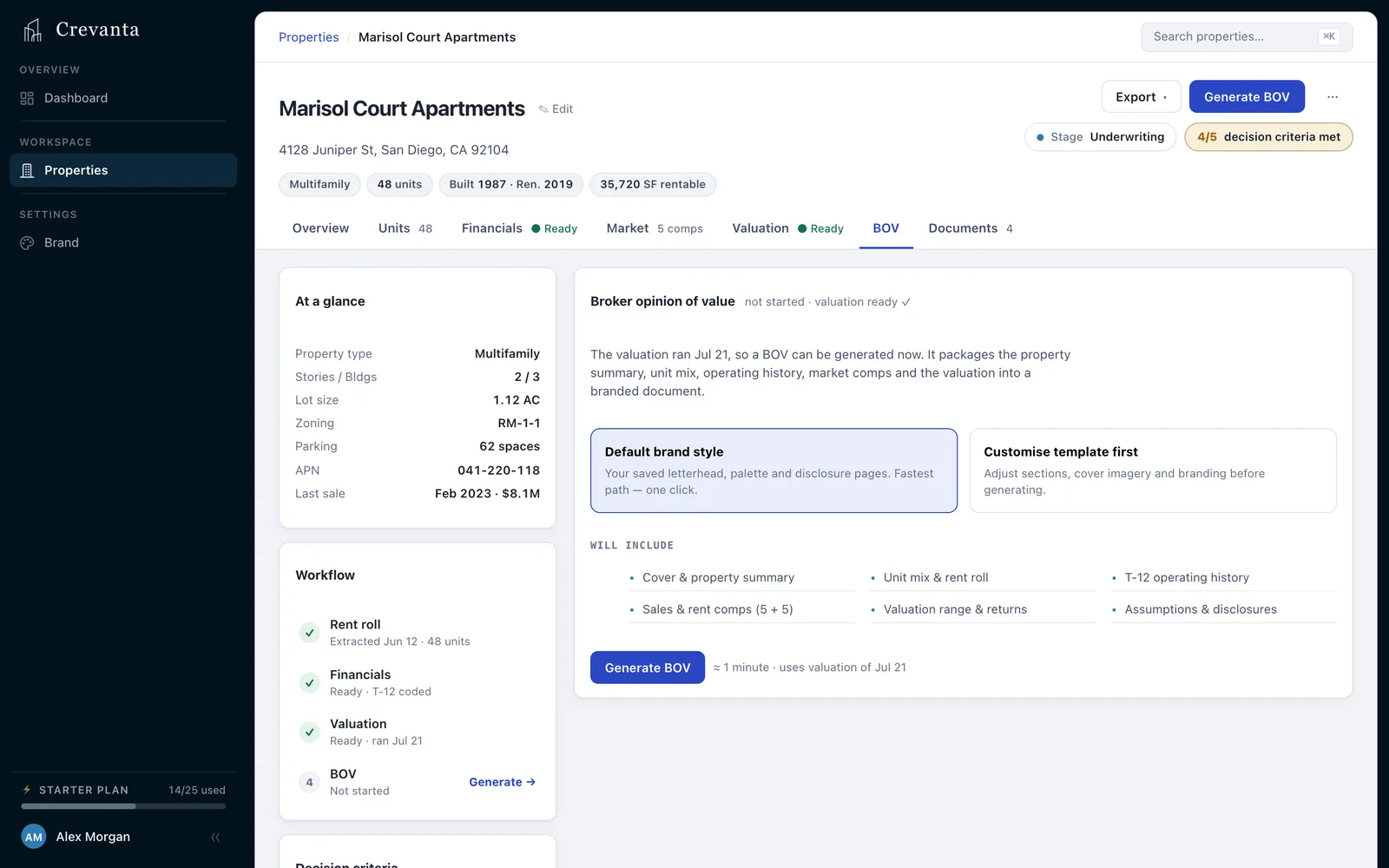
Upload or forward your rent roll, T-12, leases and property documents. Crevanta turns them into structured property data, reconciled financials, market intelligence, underwriting, valuation and a branded BOV — all inside one connected property workspace.

Underwriting. Valuation. BOV.

Traced to its sourceEvery extracted figure and lease term opens the page it was read from.
Income and sales, reconciledBoth valuation approaches, on a deterministic engine: same inputs, same answer.
One connected recordFrom rent roll to BOV, every step reads the data your team reviewed.

The work before the work

Rent rolls, T-12s, leases and comps arrive in a dozen formats. Before anyone can judge the deal, an analyst cleans, reconciles, maps and rebuilds it by hand.

Step✕  The traditional wayThe Crevanta way
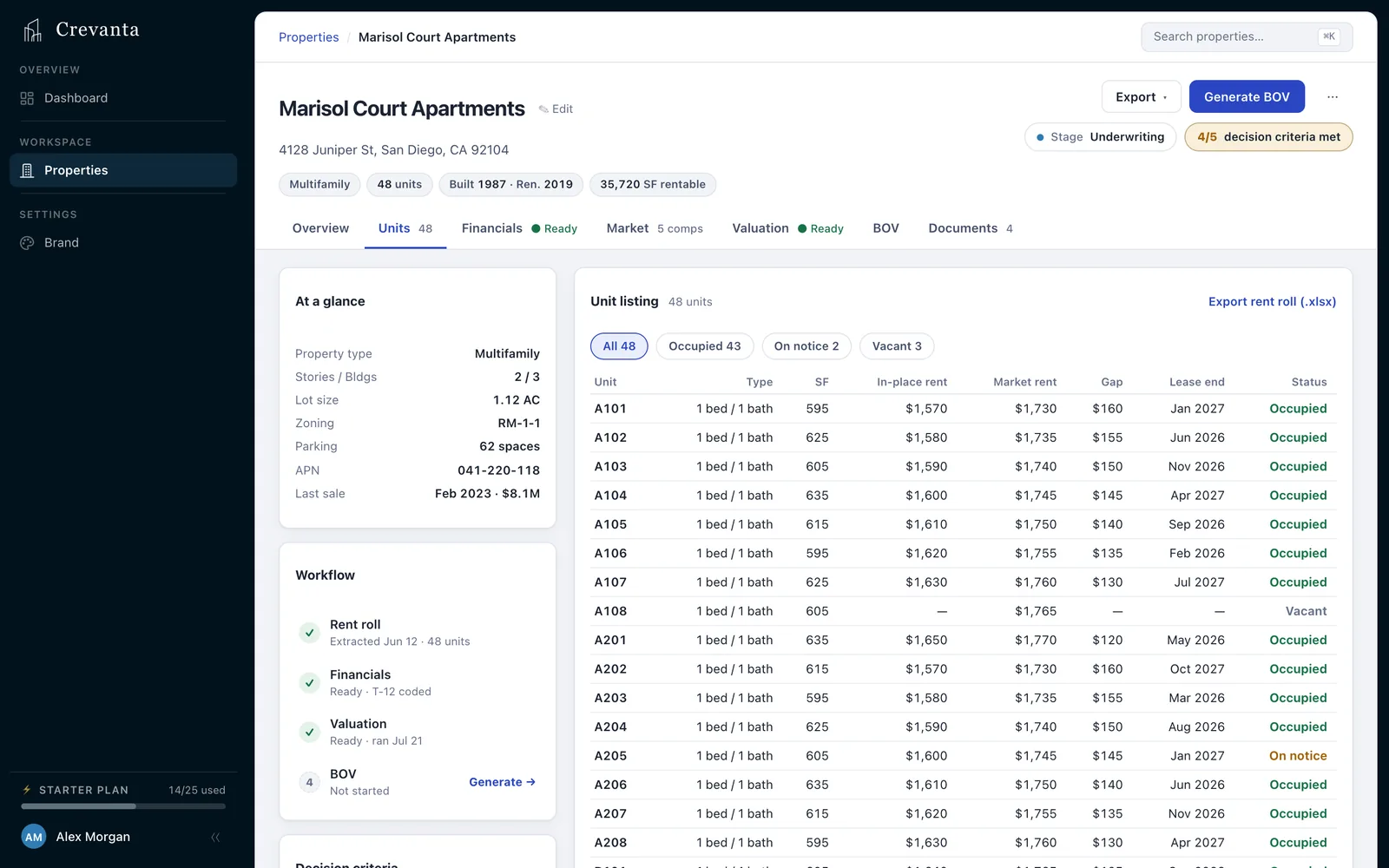
Rent rollRetyped into a spreadsheet, unit by unitRead into a unit mix, occupancy and lease dates
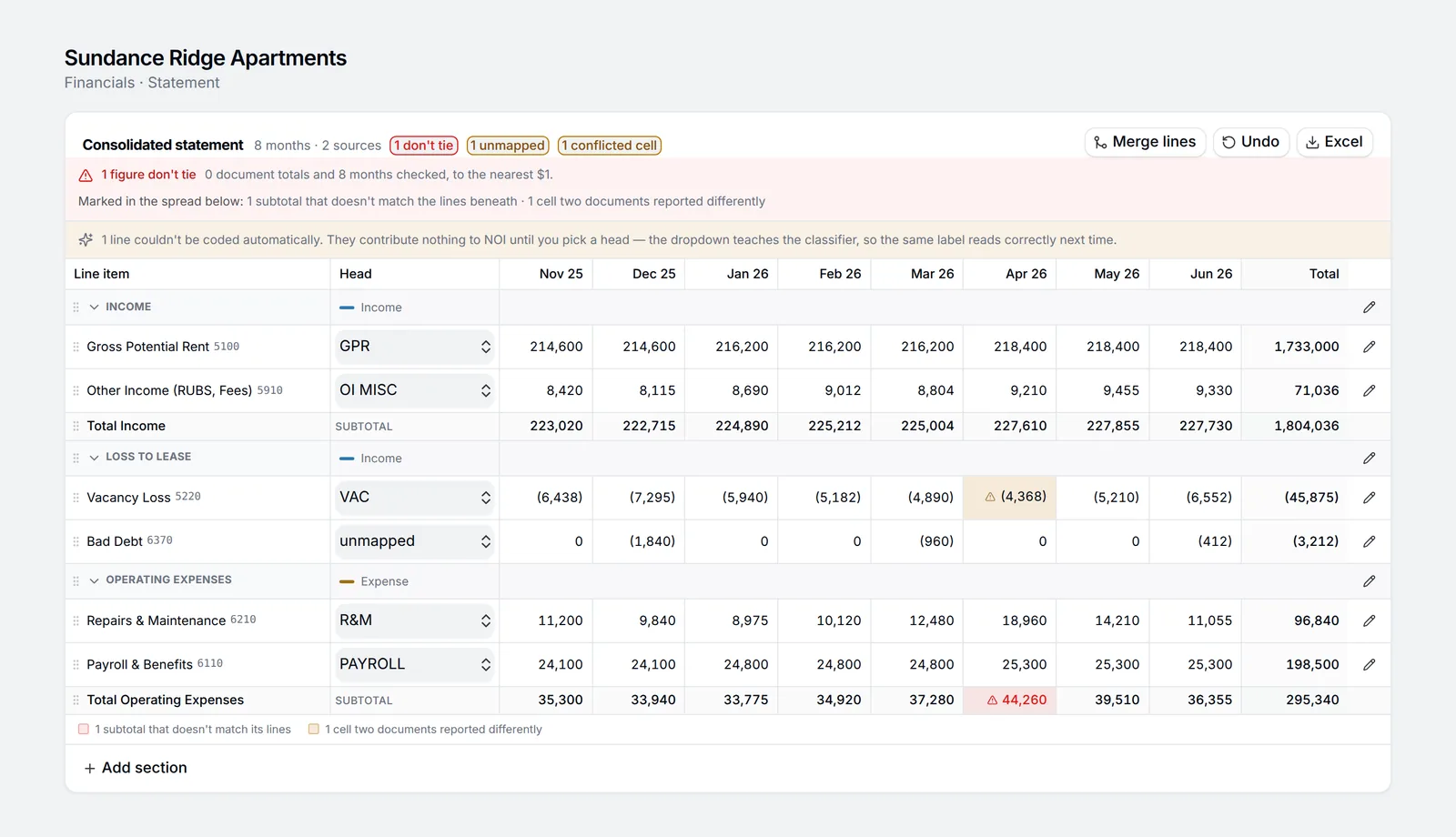
Operating statementsSpread by hand, one T-12 at a timeMerged into one spread, coded to underwriting lines
ConflictsSomeone picks a number and moves onFlagged, with both figures and both sources kept
Market compsCopied from listings and pasted inResearched with a citation each, or imported from CoStar
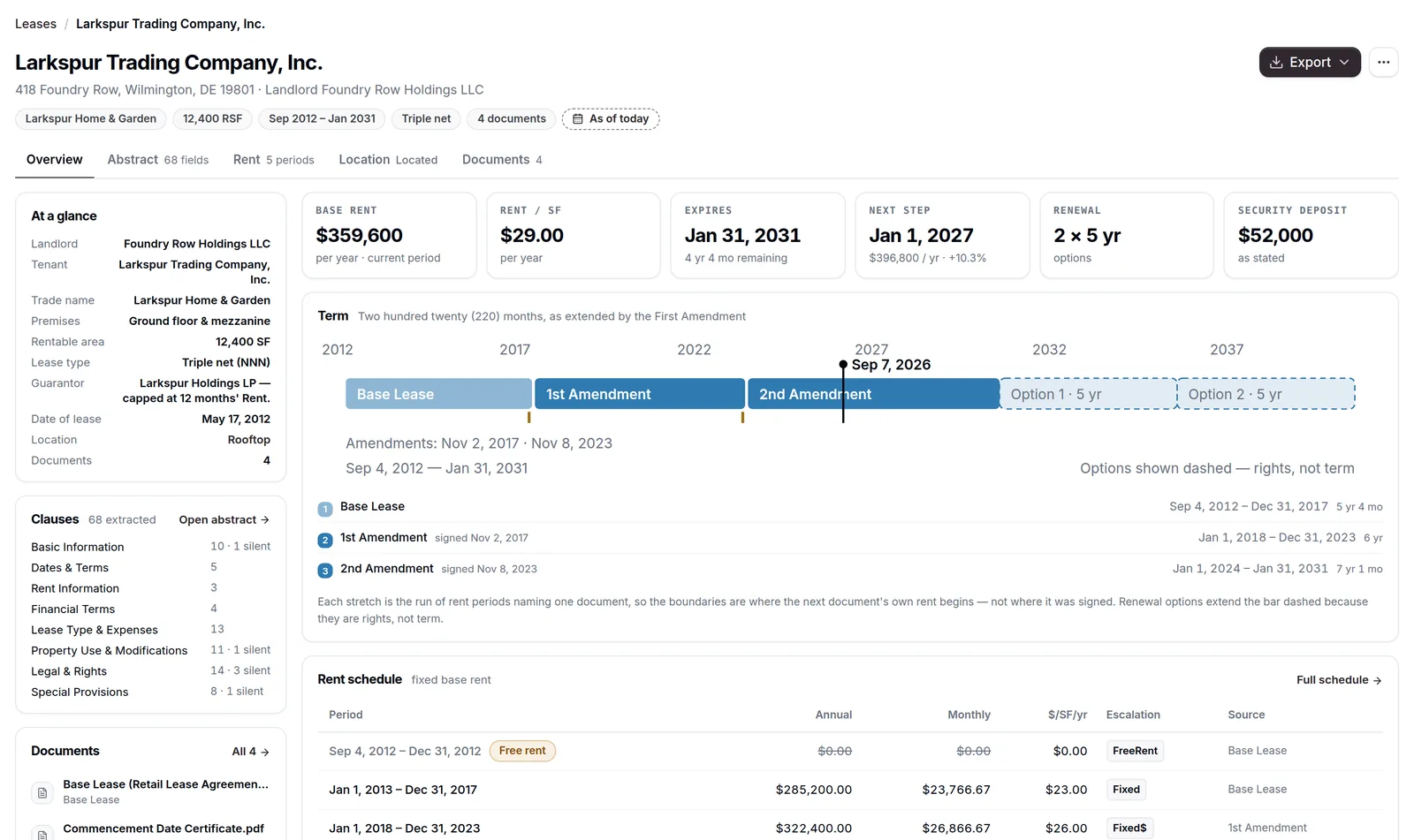
LeasesRead clause by clause into a Word docEvery term abstracted and linked to its page
ValuationRebuilt in Excel whenever an input movesRe-runs on a deterministic engine when you change it
BOVAssembled in a template by handGenerated from the same model, with the Excel behind it

Crevanta turns the deal room into one connected property — ready for underwriting, valuation and delivery.

How it works

Every step feeds the next, so nothing gets re-keyed. Watch all four in a minute.

  1. 01

    Drop in the deal

    Crevanta Reads the rent roll, T-12s, leases and OM — Excel, PDF or scanned — and creates the property.

    You Upload or forward the email. Fix any field; your edit wins.

  2. 02

    Reconcile the financials

    Crevanta Merges every statement into one spread, codes each line and flags where documents disagree.

    You Pick the right figure, re-map a line, set the base period.

  3. 03

    Underwrite and value

    Crevanta Runs the proforma, returns and valuation on a deterministic engine — same inputs, same answer.

    You Set cap rates, growth and financing. Test value-add and refinance.

  4. 04

    Deliver the BOV

    Crevanta Builds a branded BOV and the Excel model from the numbers your team reviewed.

    You Choose the template, sections and photos. Regenerate any time.

Start with the rent roll. Drop it in — Excel or PDF. Crevanta reads every unit and creates the property from it.

Illustrative walkthrough — Sundance Ridge Apartments is a fictional property.

Explore Underwriting & Valuation

The product

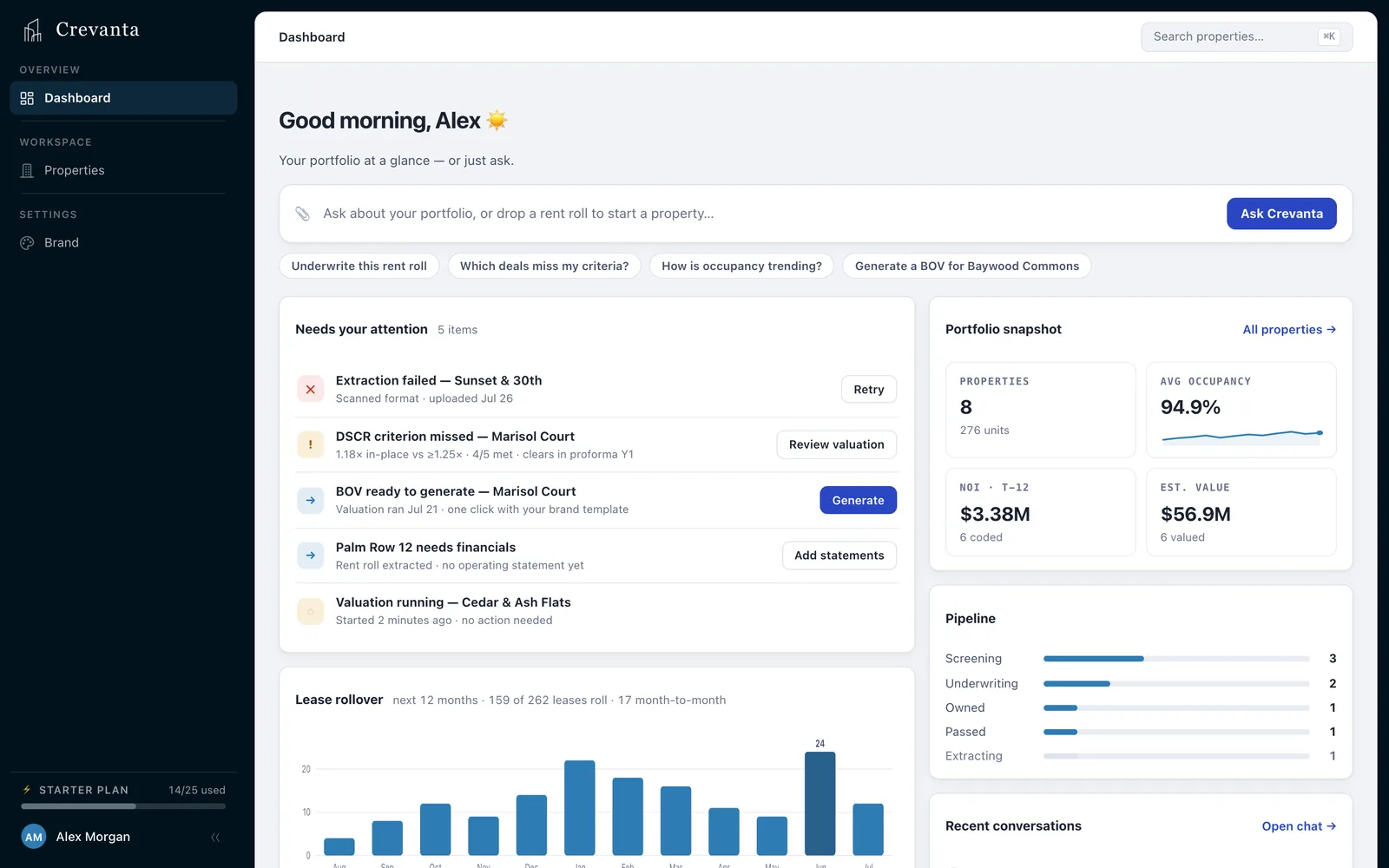
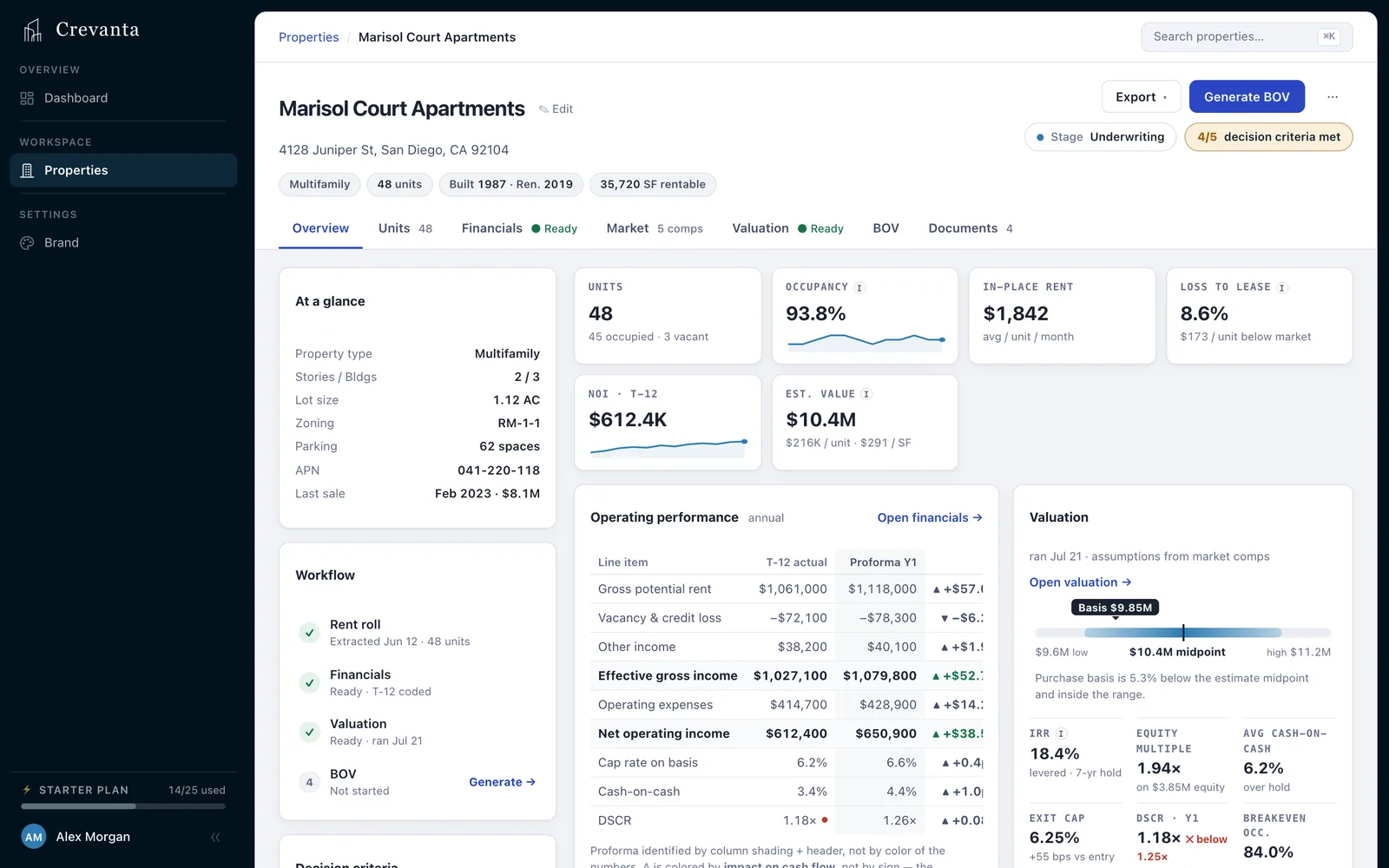
One record per property — units, financials, market, valuation and the BOV — every tab reading the same data.

Crevanta — Portfolio: Every property, what needs attention, and Marlow one question away.

Products

Each has a one-minute walkthrough on its page.

  • Underwriting & Valuation

    Rent roll in. BOV out.

    Rent roll, T-12s and comps become a valuation you can defend and a BOV you can send.

    • Financials reconciled, conflicts flagged
    • Comps cited, valuation on a deterministic engine
    • BOV plus a live Excel model
  • Lease Abstraction

    Every lease term. Cited to its page.

    The base lease and every amendment, read in order into an abstract where each term opens its clause in one click.

    • Amendments applied in order
    • Corrections kept beside the original
    • Export to Excel, Word or a rent roll
  • Marlow

    Ask once. Marlow does the work.

    The AI agent across both — answers with sources, and runs the work, in the app or from your inbox.

    • Every answer sourced
    • Valuations, research and BOVs on request
    • Works from Outlook and any inbox

Marlow and the sources

Marlow runs the work on the same engine as the app — and every figure, from Marlow or the screens, leads back to its source.

Marlow

Don’t navigate the workflow. Ask it.

  • What’s driving operating expenses?
  • Research sale comps within 3 miles.
  • Which leases expire in 18 months?
  • Generate the BOV.

Run the downside: 8% vacancy and a 6.75% exit cap.

MarlowVacancy 6.0% → 8.0%Exit cap 6.25% → 6.75%
Indicated value$26.5M-4.5%
Levered IRR11.9%-2.3 pts
Saved base case unchanged
Meet Marlow
Traceability

Don’t trust the number. Trace it.

  1. Document
  2. Figure
  3. Assumption
  4. Model
  5. Output
T-12 NOI · Sundance Ridge$1,551,000
PDF2026 T12.pdfPage 6
Total Operating Income3,566,100
Total Operating Expenses(2,015,100)
Net Operating Income1,551,000
  • Source-linked data

    Open the document behind an extracted figure or lease term.

  • Visible corrections

    Your override leads; the original extraction stays beside it.

  • Assumption provenance

    Each input says where it came from: comps, a document, a benchmark or your edit.

  • Deterministic valuation

    The same reviewed inputs always produce the same result.

Illustrative demo data — Sundance Ridge Apartments is a fictional property.

Questions

How your documents are handled is on the security page.

Rent rolls, T-12s, operating statements and P&Ls in PDF or Excel, leases and their amendments, and comp files such as CoStar exports. Scanned pages are read as images.

Bring the rent roll, T-12, leases and property documents. Leave with a connected view of the property, the model and the output.

Built for commercial real estate teams that want analysts analyzing — not reconstructing the deal.